
📚 Example Programs#
Tip
For models and code, see the MotrixSim Docs repository.
Before running the examples, please refer to 🛠️ Environment Setup to complete the environment setup.
We provide a series of example programs to help you master the use of MotrixSim from scratch.
On all platforms (Linux, Windows, MacOS), you can run any example of interest with:
uv run examples/{example_name}.py
Note
Special note for MacOS (aarch64-apple-darwin) platform:
If the example uses 🎨 Renderer (RenderApp), use:
uv run mxpython examples/{example_name}.py
If the example does not use
RenderApp(physics simulation only), useuv runwhich is consistent with other platforms
Most examples requiring visual rendering (such as robotic arm control, robot locomotion, etc.) use RenderApp and need uv run mxpython.
Getting Started#
Preview |
File |
Description |
|---|---|---|
|
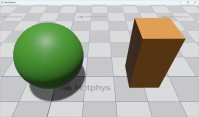
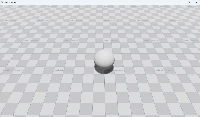
Create an empty scene, equivalent to a Hello World example. |
|
|
A ball falls under gravity, demonstrating how to create a |
API Demonstrations#
Preview |
File |
Description |
|---|---|---|
|
Retrieve and configure |
|
|
Usage of |
|
|
Usage of |
|
|
Usage of |
|
|
Usage of |
|
|
Configure simulator parameters using |
|
|
Usage of |
|
|
Scene demonstrating friction configuration. |
|
|
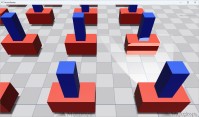
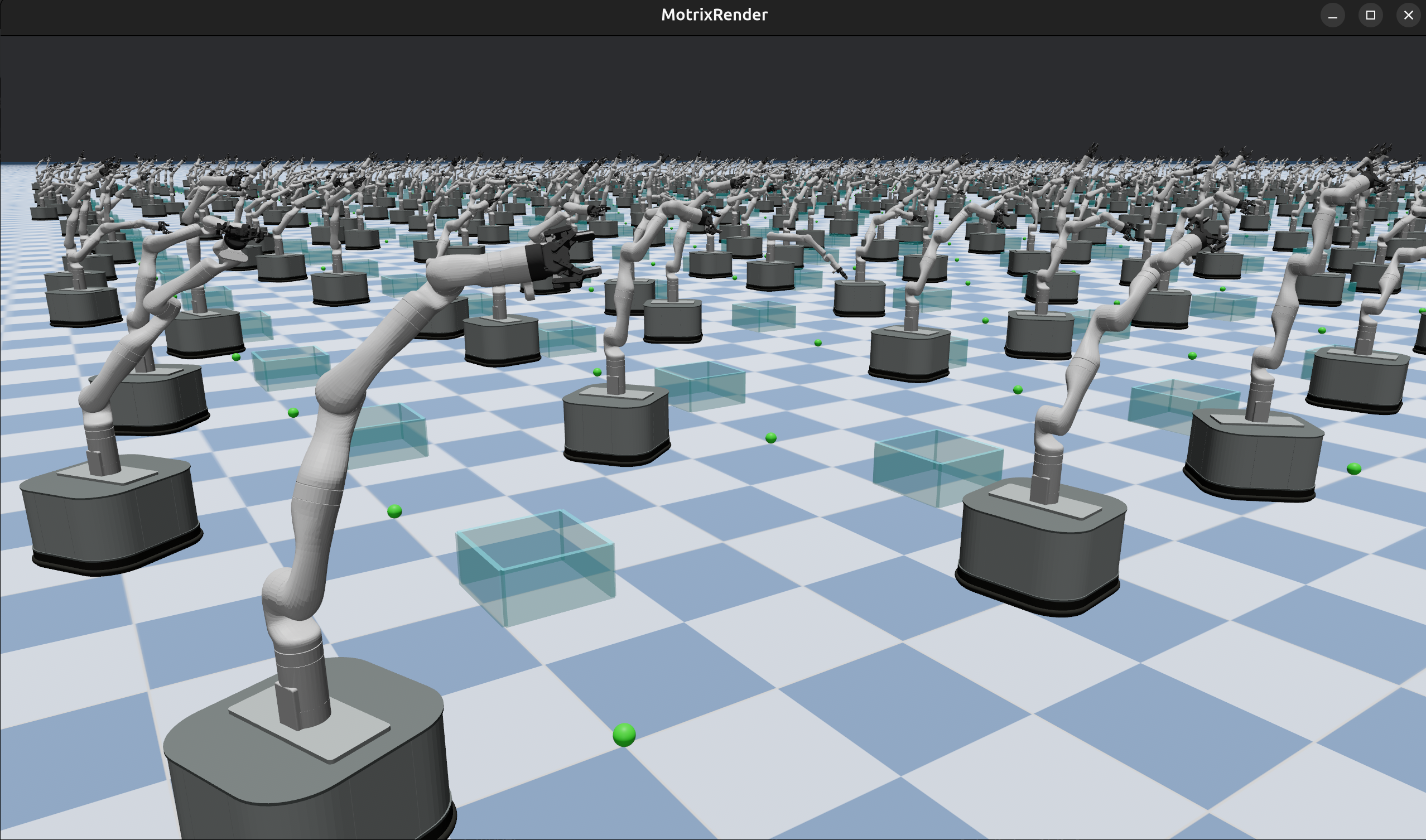
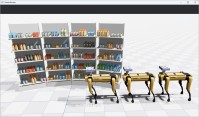
Multi-environment parallel simulation. |
|
|
Demonstrates how to use the built-in IK module in MotrixSim for inverse kinematics solving. |
|
|
Load an MJCF model from a string, demonstrating how to create a scene directly from an XML string. |
|
|
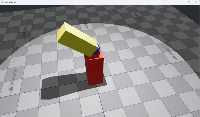
Combine multiple MSD models, demonstrating how to use the |
|
|
Usage of geometry-related APIs, showing how to access and query geometry position, velocity, and other information. |
|
|
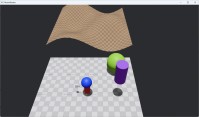
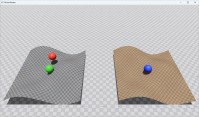
Usage of height field APIs, demonstrating how to access terrain height data and perform statistical analysis. |
|
|
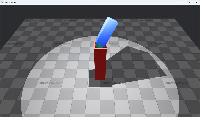
Camera control API usage, showing how to enable/disable system and scene cameras, and get camera poses. |
|
|
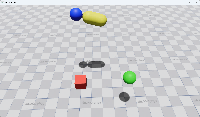
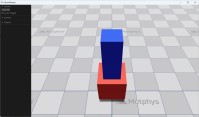
Usage of custom UI elements, demonstrating how to add buttons and switches for interaction. |
Interactive Control#
Preview |
File |
Description |
|---|---|---|
|
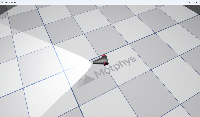
Control a cart using the keyboard; demonstrates keyboard event handling. Use W to move forward, S to move backward. Turning: A to turn left, D to turn right. |
|
|
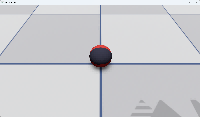
Move a ball by clicking on the ground with the mouse; demonstrates mouse event handling. |
|
|
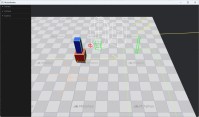
Usage of the 3D gizmo drawing system, demonstrating how to draw spheres, cubes, capsules, arrows, grids, and other visualization helpers. |
Physics Simulation#
Preview |
File |
Description |
|---|---|---|
|
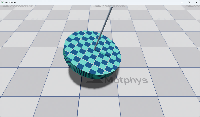
Physical simulation of a gyroscope. |
|
|
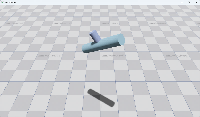
Gyroscope in a zero-gravity environment, demonstrating conservation of angular momentum. |
|
|
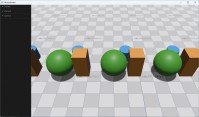
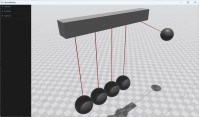
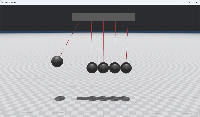
Physical simulation of Newton’s cradle. |
|
|
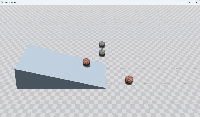
Simulation of a block rolling down a slope. |
|
|
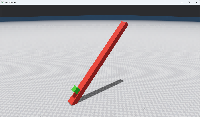
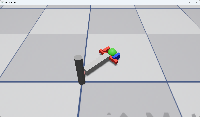
A robotic arm composed of simple geometries and |
|
|
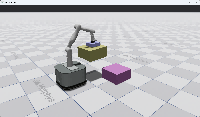
A robotic arm with adhesion actuator. |
Robotics Applications#
Preview |
File |
Description |
|---|---|---|
|
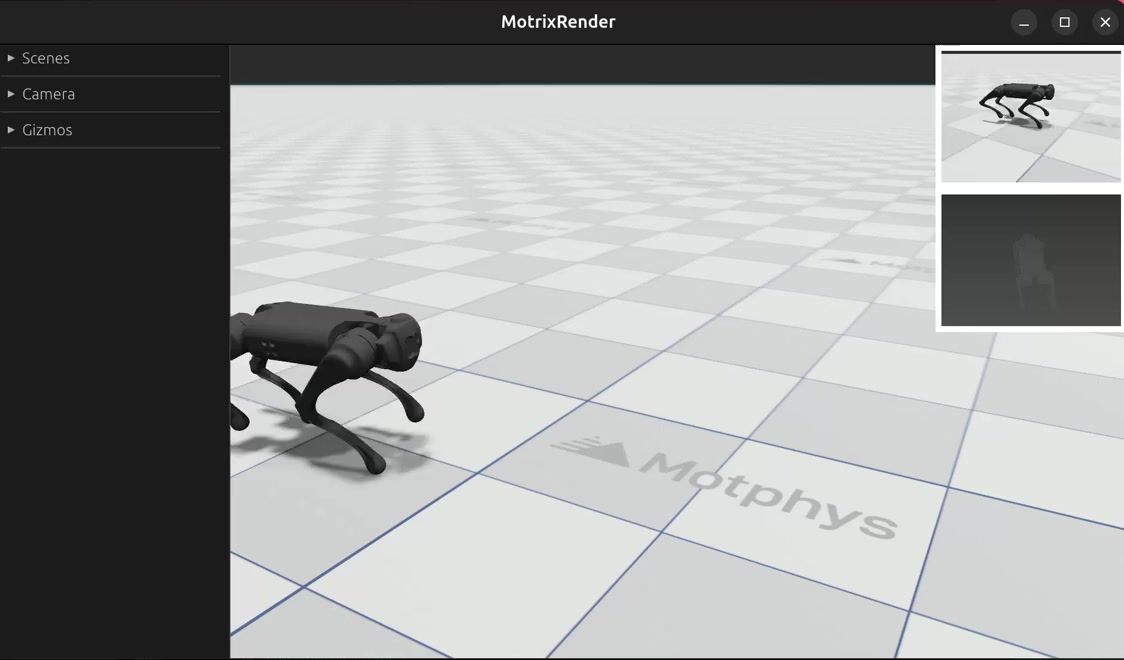
Random motion of the Go1 quadruped robot, demonstrating how to integrate a neural network and use |
|
|
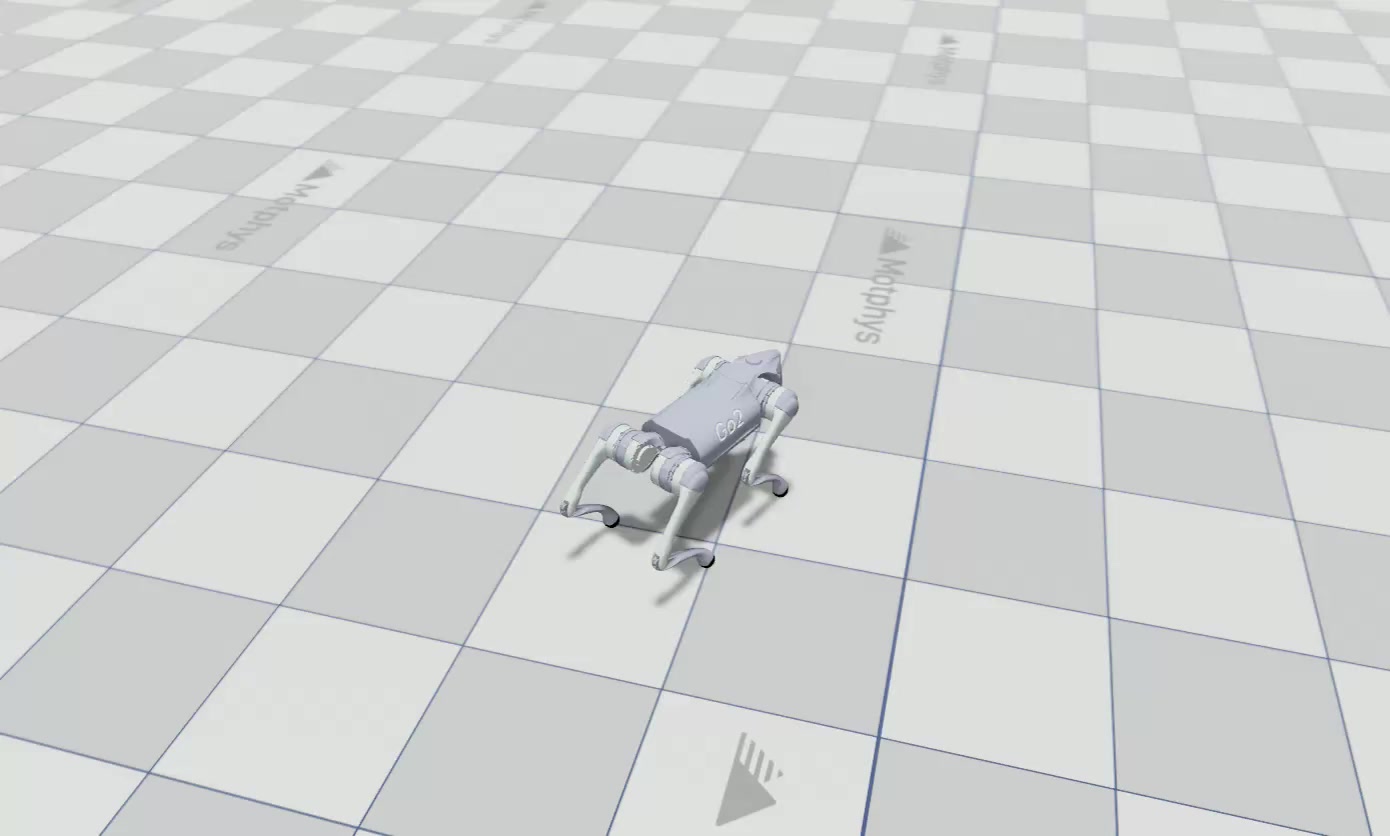
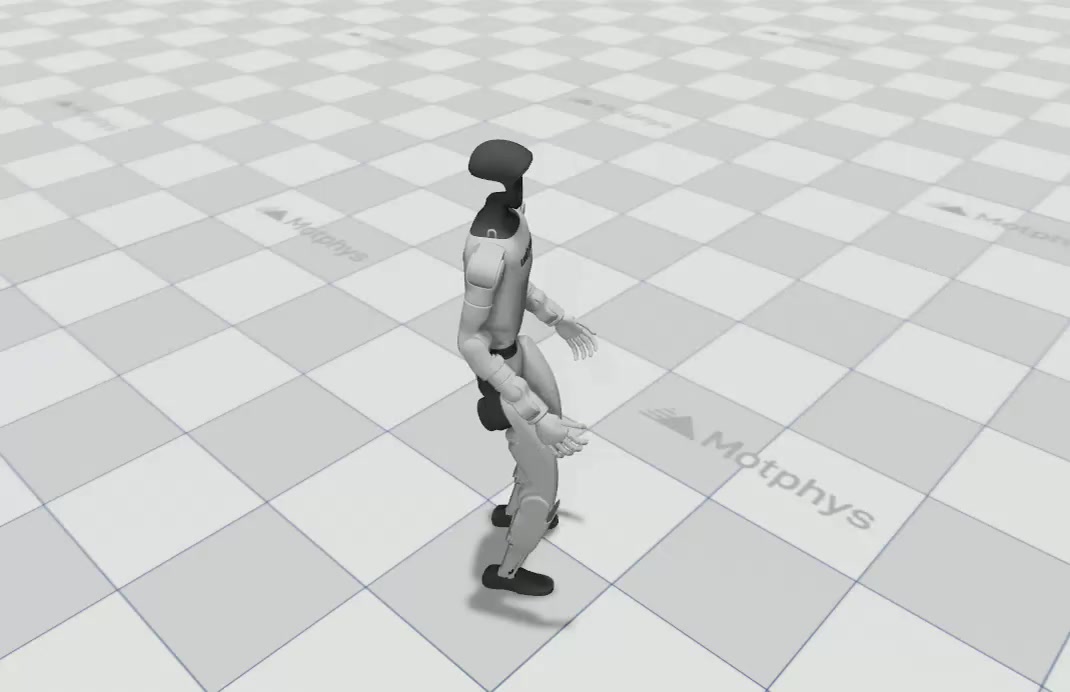
Go2 quadruped keyboard control example: arrow keys and WASD control walking and turning. Use |
|
|
G1 humanoid keyboard control example: arrow keys and WASD control walking and turning. Use |
|
|
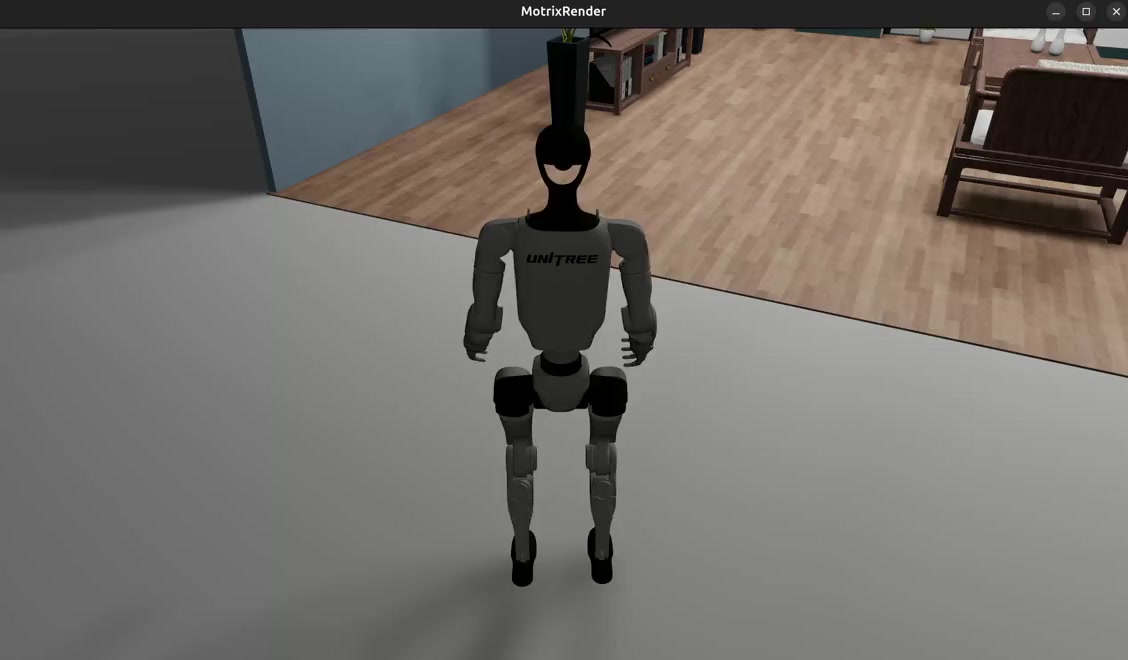
G1 humanoid keyboard control example in an indoor parlour scene: arrow keys and WASD control walking and turning. Use |
|
|
The Stanford robotic arm uses a sequence of movement commands to pick and place a ball. |
|
|
Grasping and shaking test for the Franka Panda robotic arm, demonstrating how the arm grasps objects and maintains stability. Supports |
Rendering & Visualization#
Preview |
File |
Description |
|---|---|---|
|
Rendering settings configuration example, demonstrating how to use |
|
|
Selective rendering control in batch rendering, showing how to dynamically control visibility of specific scenes in multi-environment parallel simulation. Press A/D keys to toggle partial scene visibility, Q/E keys for all scenes. |
|
|
Light sharing optimization between environments, demonstrating how to share lights in parallel simulation to improve performance. Use |